

What is a Creator Seat?
A creator has access to create and publish learning modules in HowToo. Each Creator user occupies one “Creator Seat".
You must have an available Creator Seat to invite or add additional Creators to your account. To make a Creator Seat available you can either inactivate a current Creator or purchase additional Creator Seats in tool.
Pricing
Each plan includes Creator Seats. The price of additional Creator Seats depends on the HowToo plan you select.

A Monthly Active Learner is any Learner that opens your Learning Academy and launches a course within that contractual month. Only these Learners are counted towards your Monthly Active Learner limit.
This means you can invite unlimited Learners, and always have access to historical reports, without being charged for users who no longer use your Learning Academy.
We recommend to start small to keep your initial costs down and scale your Learning Academy as you grow.
To view pricing for Monthly Active Learners, you can use our our pricing calculator or contact us for a personalized quote.
When you sign up for a Teams or Pro plan, you will be asked to estimate how many Monthly Active Learners you expect to use your Learning Academy. This will become your Monthly Active Learner prepaid limit.
You cannot reduce your prepaid limit until your contract renews. However, you can deactivate Learners' access anytime or lock access to your Learning Academy to avoid exceeding your limit.
What happens if I go over my prepaid limit?
If you go over your prepaid limit during your contractual month, we will temporarily adjust you to the higher Monthly Active Learner limit. This ensures that your Learners have uninterrupted access to your Learning Academy. You will be notified that your limit has been reached and be given an opportunity to lock in at the higher limit or adjust back to your prepaid amount for the following months.
HowToo is the only all-in-one online training platform your organization needs. Try our Pro plan for free for 30 days.
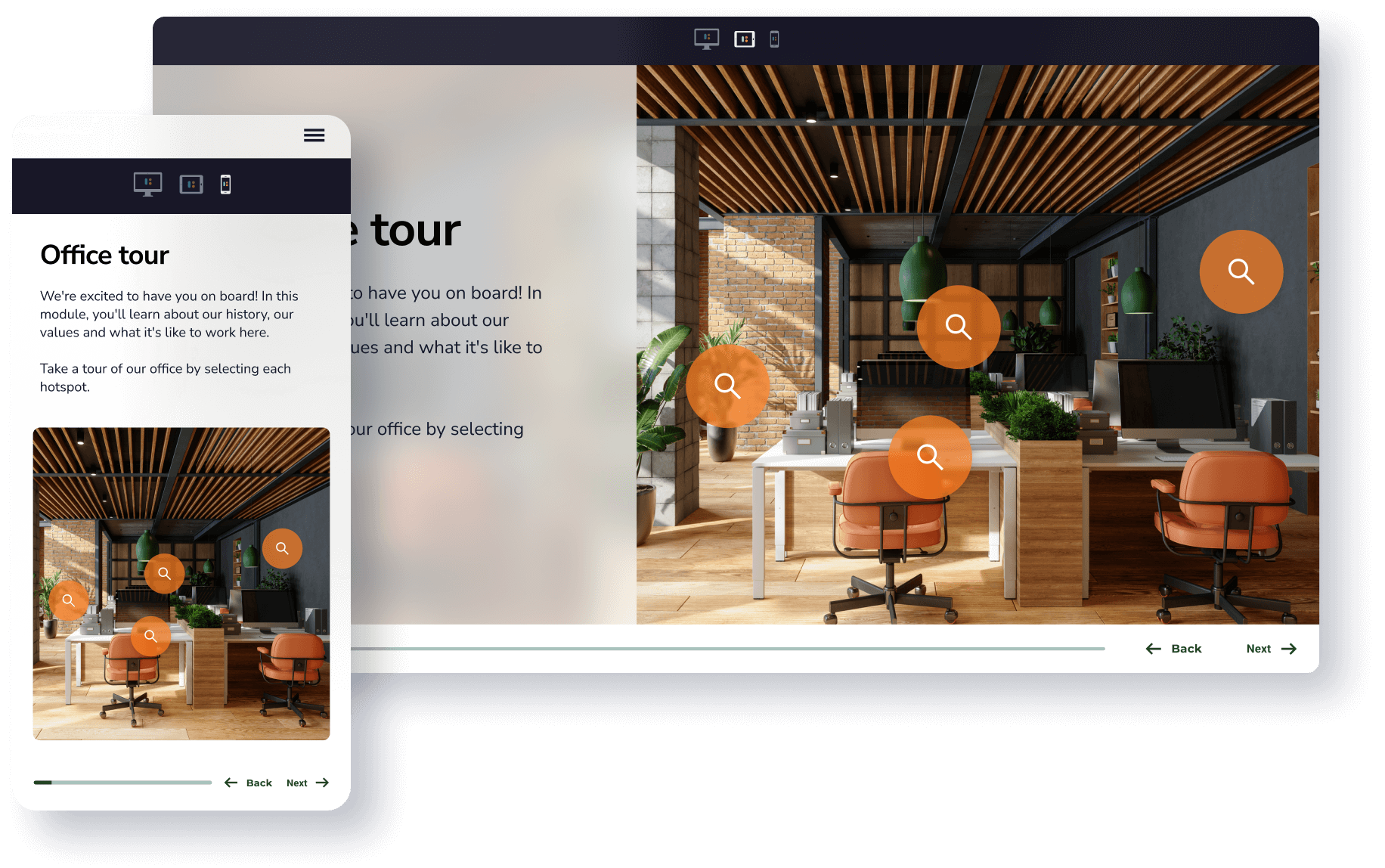




.png)

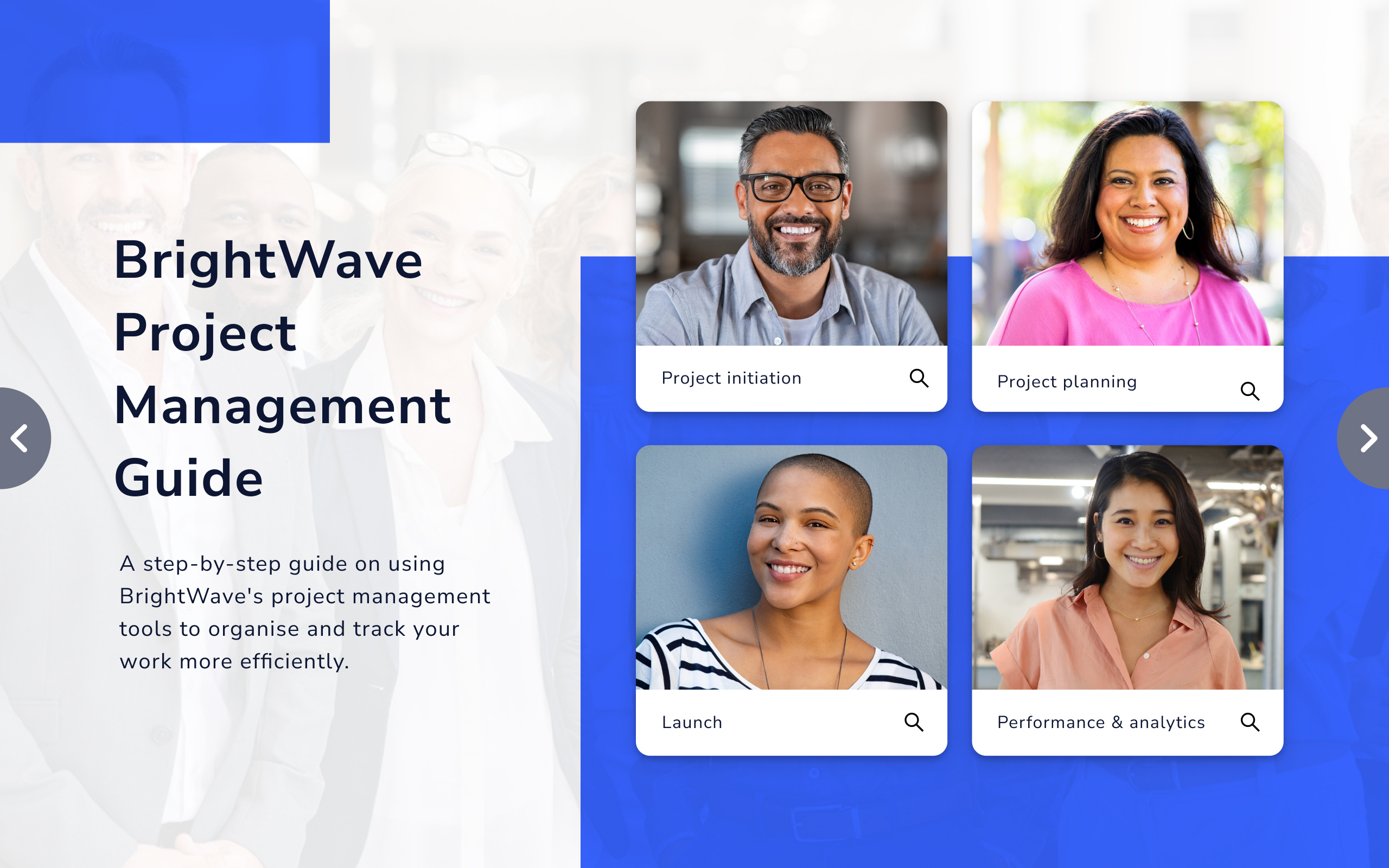




With a library of courses and 200+ templates, it’s incredibly quick and easy to create engaging courses with HowToo.

Share your expertly crafted courses directly to your company's personalized learning academy and assign them to learners.

Gain valuable insights into course performance and learner engagement through your customizable reporting dashboard.

Create unlimited courses and publish to learners via your branded learning academy
Access 200+ templates and millions of royalty free stock photos, images and icons
Customize your learning academy and courses to align to your brand
Access and export data-driven reports
Invite your team to collaborate with
And so much more...


We acknowledge the Traditional Owners of country throughout Australia and recognize their continuing connection to land, waters and culture. We pay our respects to their Elders past, present and emerging.


